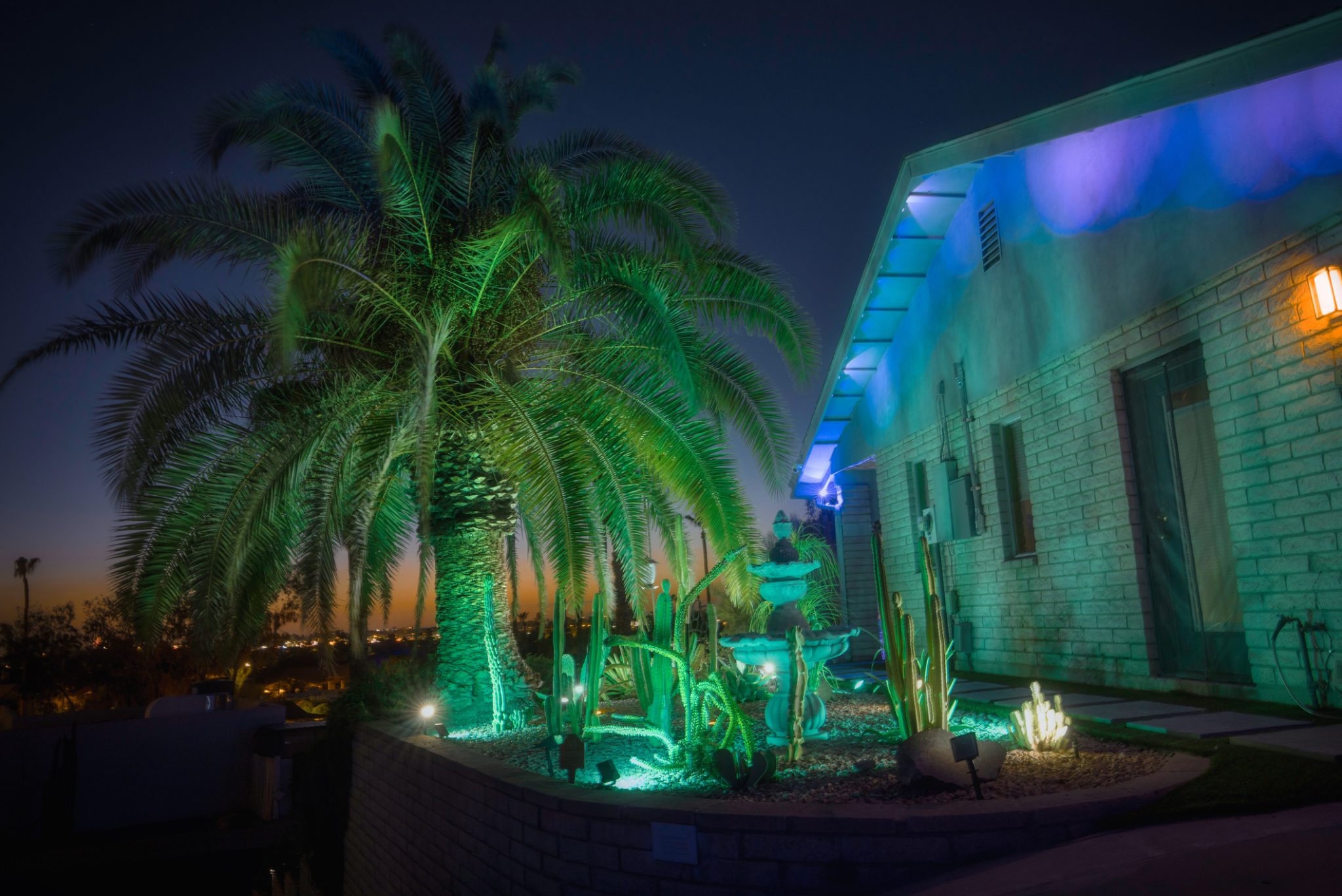

Arizona evenings are genuinely spectacular, and for most of the year, the backyard doesn't become…
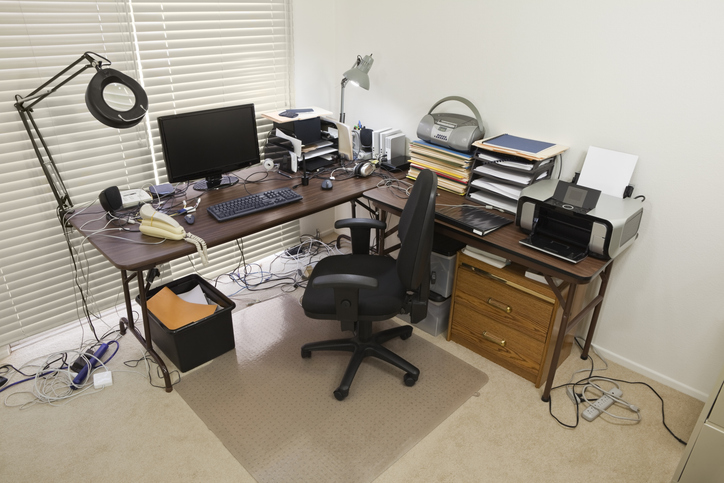
Could the Wrong Electrical Setup Be Slowing Down Your Home Office?
Your home office has more electrical demands than almost any other room in the house, and it could very well be running on wiring that was installed before remote work was even a concept. If your breaker trips when you fire up the coffee maker mid-Zoom call, that’s not bad luck. That’s a wiring problem. Home office electrical upgrades aren’t a luxury anymore. Instead, they’re the difference between a workspace that performs and one that fights you every single day.
Most spare bedrooms and converted spaces were wired for a lamp and an alarm clock, not dual monitors, a standing desk, a router, a printer, and three devices charging simultaneously. The good news? A few targeted electrical upgrades can turn a frustrating setup into a rock-solid workstation. Here’s what actually moves the needle.
The Home Office Electrical Cheat Sheet
- Tripping breakers are a symptom: an overloaded circuit is the disease; a dedicated circuit is the cure.
- USB outlets, smarter outlet placement, and surge protection are small upgrades with outsized daily impact.
- Whole-home surge protection is the single best insurance policy for your equipment in Arizona’s monsoon season.
- Better lighting isn’t an aesthetic choice, but rather a productivity and eye health decision wired directly into your walls.
- Nearly all of these upgrades require a licensed electrician, not a weekend warrior and a YouTube video.
Why Your Home Office Wiring Wasn’t Built for This
The average American home was wired to handle the electrical load of the era in which it was built. Bedrooms got one or two circuits, essentially enough for a few lights and a nightstand charger. That’s it. Fast forward to today, and that same circuit is expected to power a workstation that rivals a small office.
Running too many high-draw devices on a single circuit not only trips breakers, but it also creates heat buildup in your wiring, which is a genuine fire hazard. According to the Electrical Safety Foundation International (ESFI), home electrical fires account for an estimated 51,000 fires each year. Overloaded circuits are one of the leading contributors.
Signs your current setup is already struggling:
- Breakers tripping when you add a new device
- Outlets or faceplates that feel warm to the touch
- Lights flickering when equipment powers on
- Devices are charging noticeably slower than they should
Upgrade #1 — Install a Dedicated Circuit for Your Home Office
This is the single most impactful upgrade you can make. A dedicated circuit serves your home office exclusively: no sharing with the bedroom down the hall, the bathroom, or anything else. Your equipment gets clean, consistent power without competing for it.
What a Dedicated Circuit Installation Actually Involves
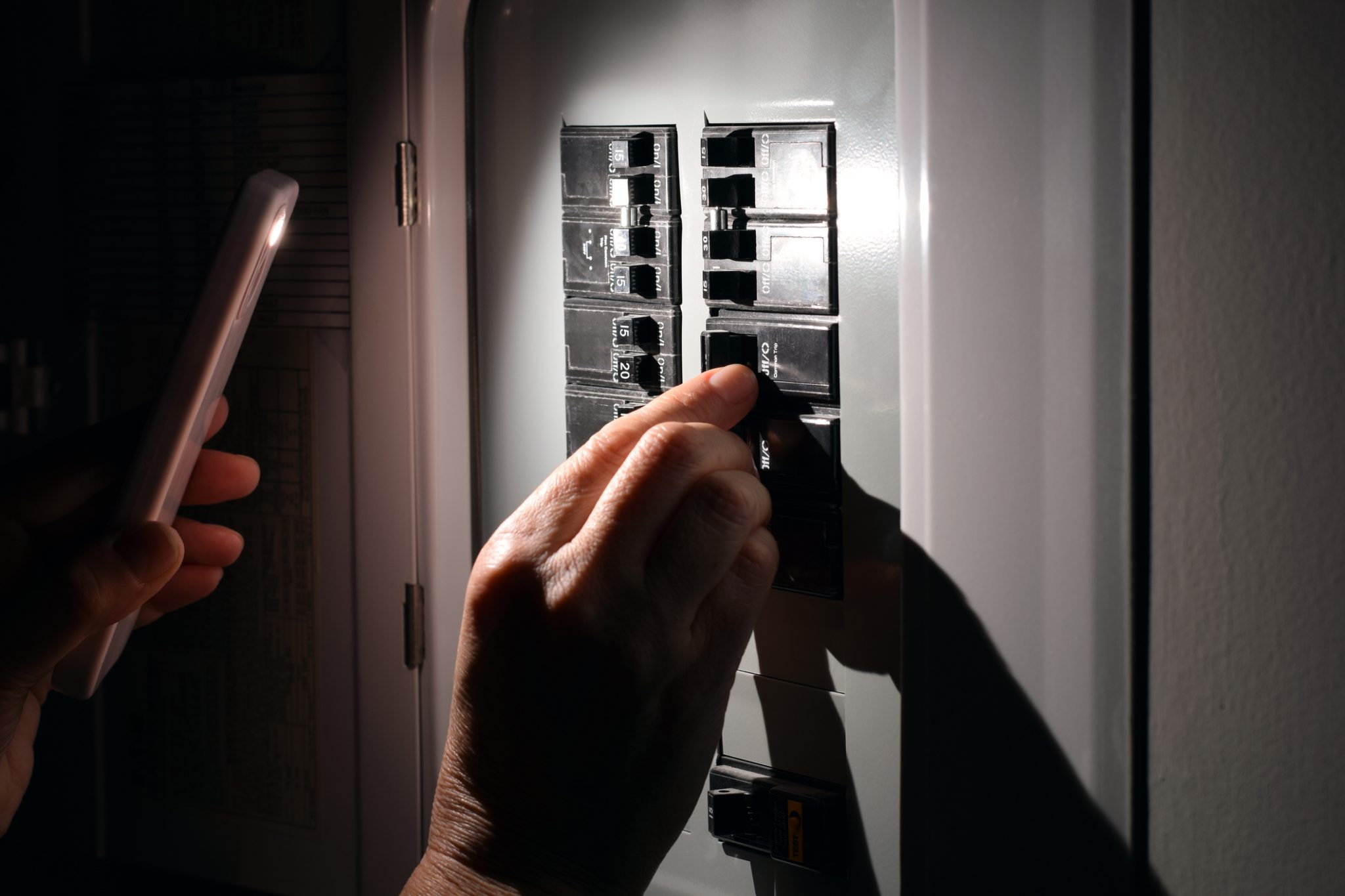
A licensed electrician will assess your existing panel to confirm it has capacity for a new breaker, then run new wiring directly to your office. If your panel is already maxed out, an electrical panel upgrade may be part of the conversation, but that’s a good problem to solve now rather than after something fails. Permits are required, and any electrician who skips that step is cutting corners you’ll pay for later.
Pro Tip: If you’re running a home office with a desktop, dual monitors, and a NAS or external hard drive, ask your electrician about running two dedicated circuits: one for your workstation and one for everything else.
Upgrade #2 — Add More (and Smarter) Outlets
The rule of thumb for home office outlet installation is simple: you need more than you think, and they need to be where you actually work, not across the room behind a bookshelf.
Don’t Overlook USB and USB-C Outlets
Modern outlets with built-in USB-A and USB-C ports are one of the fastest, most affordable upgrades available. They eliminate bulky adapters, charge devices at full speed, and keep your desk from looking like a fire hazard of tangled cords.
Daisy-chaining power strips is not a solution, but a fire risk dressed up as a convenience. Properly installed outlets at desk height, floor level near your chair, and near the door for lamps and floor lighting will change how the room functions entirely.
Upgrade #3 — Protect Everything with Surge Protection
A standard power strip with a built-in surge protector provides a single point of protection in the room. That’s better than nothing, but it’s not enough for a serious home office setup in Arizona.
Why Whole-Home Surge Protection Is a No-Brainer in the Valley
Arizona’s monsoon season isn’t gentle by any stretch of the imagination. Lightning strikes, sudden power restoration after outages, and grid fluctuations can send voltage spikes through your home’s wiring and into every device connected to it, all simultaneously. A whole-home surge protector installs directly at your electrical panel and acts as a first line of defense for every outlet in the house.
Your computer, monitors, router, smart home devices, and home theater equipment are all covered with one install. One surge event can cost thousands in equipment replacement and lost data. A whole-home protector costs a fraction of that.
Upgrade #4 — Rewire Your Lighting Setup
If you’re working under a single overhead light bulb or relying on a floor lamp plugged into a corner outlet, your lighting setup is working against you. Eye strain, headaches, and afternoon fatigue are frequently lighting problems masquerading as productivity problems.
The Right Home Office Lighting Is Wired In, Not Plugged In
Recessed lighting delivers even, glare-free ambient light that won’t create harsh shadows or hot spots on your screen. Dimmer switches let you dial brightness up or down depending on the time of day or task at hand. Under-cabinet or dedicated task lighting at desk level rounds out a setup that actually supports focused work.
Castle Electric’s indoor lighting services cover everything from layout planning to final installation, so you’re not guessing at what works.
Pro Tip: Pair dimmers with warm-to-cool tunable LED bulbs for a lighting setup that shifts with your workday: brighter and cooler in the morning for focus, warmer in the afternoon to reduce eye fatigue.
The Bottom Line on Home Office Electrical Upgrades
A home office that constantly trips breakers, runs out of outlets, and fries equipment isn’t a workspace; it’s a liability. The right combination of a dedicated circuit, smart outlet placement, whole-home surge protection, and proper lighting transforms a room into a setup that actually supports how you work. These aren’t weekend projects. They’re licensed electrical work: done once, done right, and built to last.
Ready to Upgrade Your Home Office Electrical Setup?
If your home office is running on the same wiring it had when it was a guest bedroom, it’s time for a real conversation with a licensed electrician. Castle Electric and Lighting serves homeowners throughout Scottsdale, Phoenix, Chandler, Gilbert, Glendale, Mesa, Paradise Valley, Fountain Hills, and the surrounding areas. We’ll assess your setup, pull the permits, and get it done right.
Call or text us at (480) 570-8014 or request a free quote online — your home office will thank you.
Related Posts